

To effectively A/B test website design is to unlock the full potential of your online presence. This approach not only enhances user experience but also drives up conversion rates, making it an essential practice for businesses aiming to thrive in the digital space.
How to A/B Test Website Design for Real-World Results
A/B testing, or split testing, is a method where two versions of a web page are compared to see which one performs better. It’s a straightforward yet powerful way to make data-driven decisions that can significantly impact your website’s effectiveness. In this guide, we’ll walk you through the steps to successfully A/B test your website’s design, from planning to execution and analysis, ensuring you gain actionable insights to improve your site’s performance.
Table of Contents
- Understanding A/B Testing
- Planning Your A/B Test
- Designing Your Variants
- Implementing Your A/B Test
- Analyzing A/B Test Results
- Learning from A/B Testing
- Best Practices for A/B Test Website Design
- Tools for Effective A/B Testing
- A/B Testing Examples
- Next Steps After A/B Testing
Understanding A/B Testing
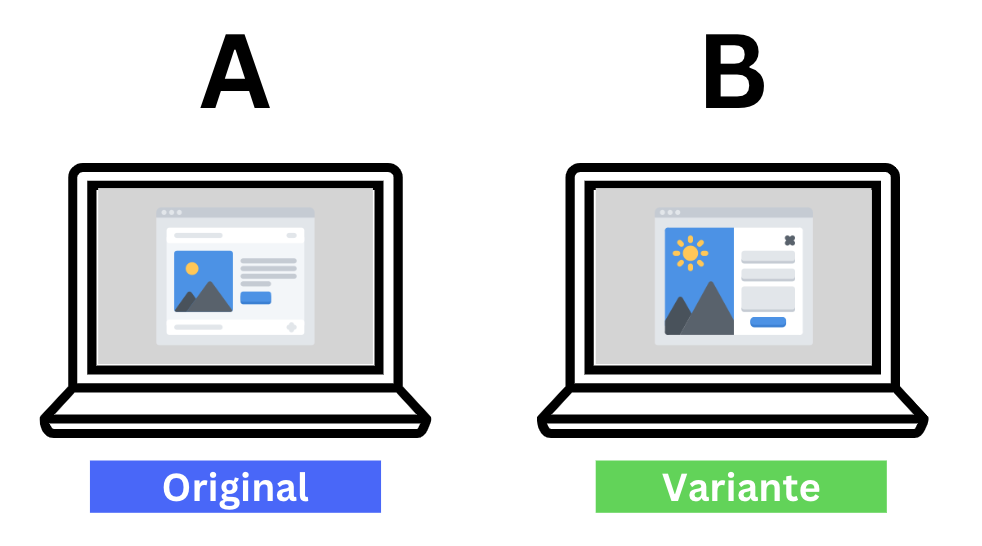
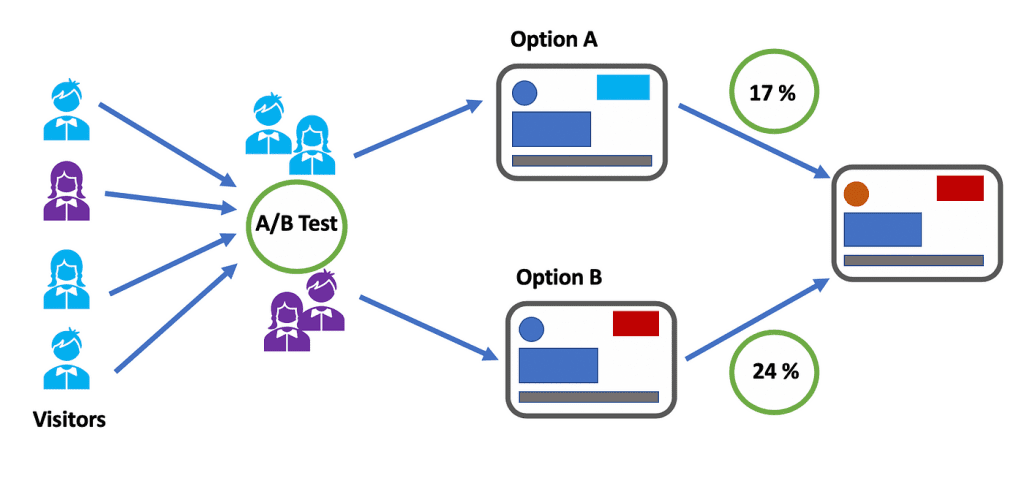
A/B testing is a comparison method where two versions of a web page are shown to different segments of visitors at the same time to see which version drives more conversions. The goal is to identify changes that increase the likelihood of what marketers call a “conversion,” such as a sale, newsletter sign-up, or any other key performance indicator (KPI) your site aims to achieve.
At its core, A/B testing removes the guesswork in website optimization, enabling you to make data-backed decisions. It’s all about testing one change at a time to ascertain its effect. This could involve anything from the color of a call-to-action (CTA) button, the placement of a sign-up form, to the headlines or content of a page.
Planning Your A/B Test
Success in A/B testing starts with solid planning. Here are the key steps:
- Define Your Goals: What do you want to achieve with your test? More sign-ups, increased purchases, or higher engagement?
- Select the Page to Test: Choose a page that has significant traffic and potential for improvement.
- Identify the Element to Test: Decide on the specific element or elements you want to test. This could be anything from a headline to button design.
- Develop a Hypothesis: Based on your goal, formulate a hypothesis. For instance, “Changing the CTA button from red to green will increase clicks.”
- Choose Your Testing Tool: Various tools are available to help with A/B testing. Select one that fits your needs.
- Create Your Variants: Design the variations of your webpage that you would like to test against each other.
Preparation not only guides your testing efforts but also helps ensure that your decisions are based on data rather than assumptions.
Designing Your Variants
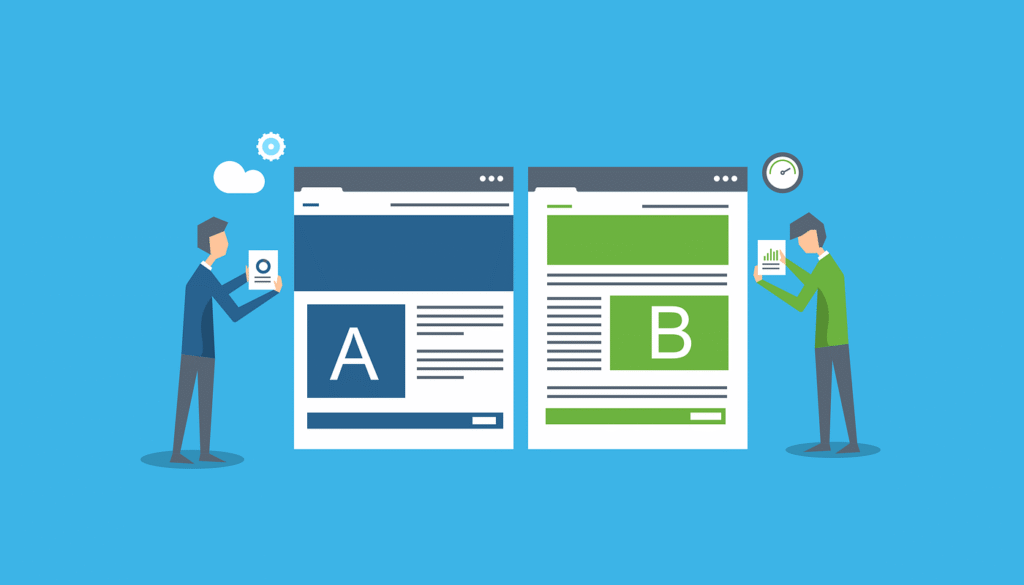
Once you’ve planned your A/B test, it’s time to design your variants. This is where you create two or more versions of your selected element, each slightly different to test your hypothesis. Here’s what you need to keep in mind:
- Keep changes isolated: When comparing two versions, change only one element at a time. This approach ensures that you can attribute any difference in performance to that specific change.
- Stay focused on your goal: Ensure that the changes you’re testing are directly related to your primary objective.
Example: If you’re testing CTA button colors, one variant might feature a green button while the other has a red one. Ensure that everything else on the page remains consistent.
Critical Elements Often Tested:
- CTA Buttons: Color, size, text
- Headlines: Wording, size, color
- Forms: Length, fields, layout
- Images: Size, quality, subject
Implementing Your A/B Test
Implementation is the phase where your planning and design work gets put to the test. Using your chosen A/B testing tool, you’ll set up your experiment by following these steps:
- Segment Your Audience: Divide your website’s visitors so that each group is randomly presented with a different version of the page.
- Launch the Test: Activate your A/B test, ensuring that it’s properly set up to collect data accurately.
- Monitor the Test: Keep an eye on your test to ensure it’s running as expected. Look out for any technical issues.
- Wait for Significant Data: Patience is key. Wait until you have enough data to make a reliable decision.
Remember, the duration of your test can vary depending on your website traffic and the difference in performance between the versions being tested. A rule of thumb is to run the test until statistical significance is achieved.
Analyzing A/B Test Results
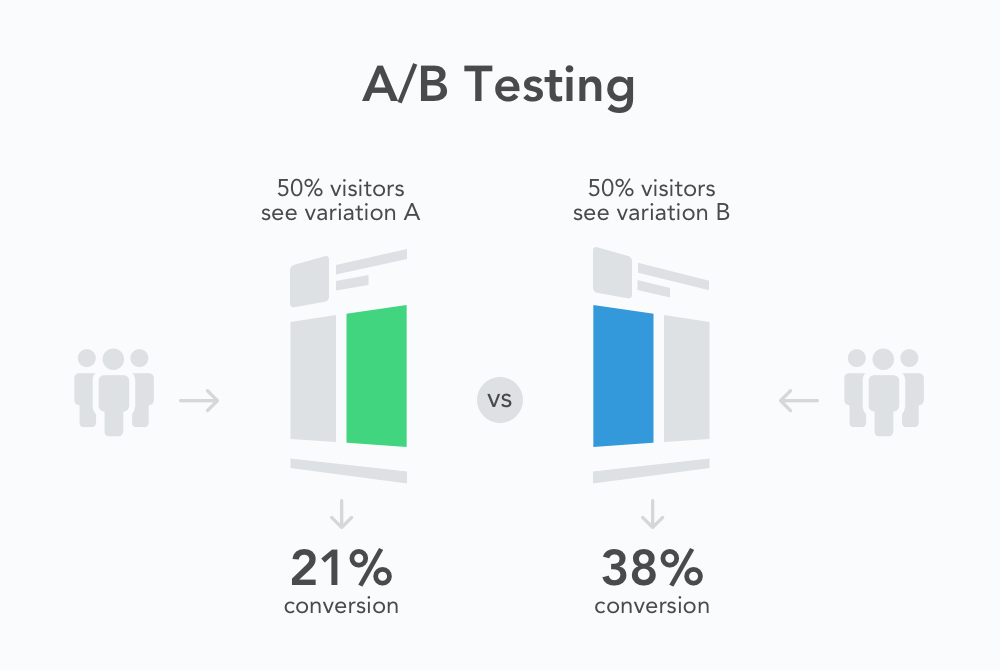
Analyzing the results of your A/B test is crucial to understanding what works and why. Look at the data collected during your test to determine which version met your objectives better. This involves comparing key metrics such as conversion rates, bounce rates, and any other relevant KPIs. Tools like Google Analytics can be very helpful in this phase.
When analyzing results, consider:
- Statistical Significance: Ensure the data you’re basing your decision on is statistically significant to confidently say that the observed differences weren’t just due to chance.
- Overall Impact: Beyond just looking at conversion rates, assess how the changes impacted user behavior across your site.
A successful A/B test not only proves or disproves your hypothesis but also provides insights into your audience’s preferences, helping inform future decisions.
Learning from A/B Testing
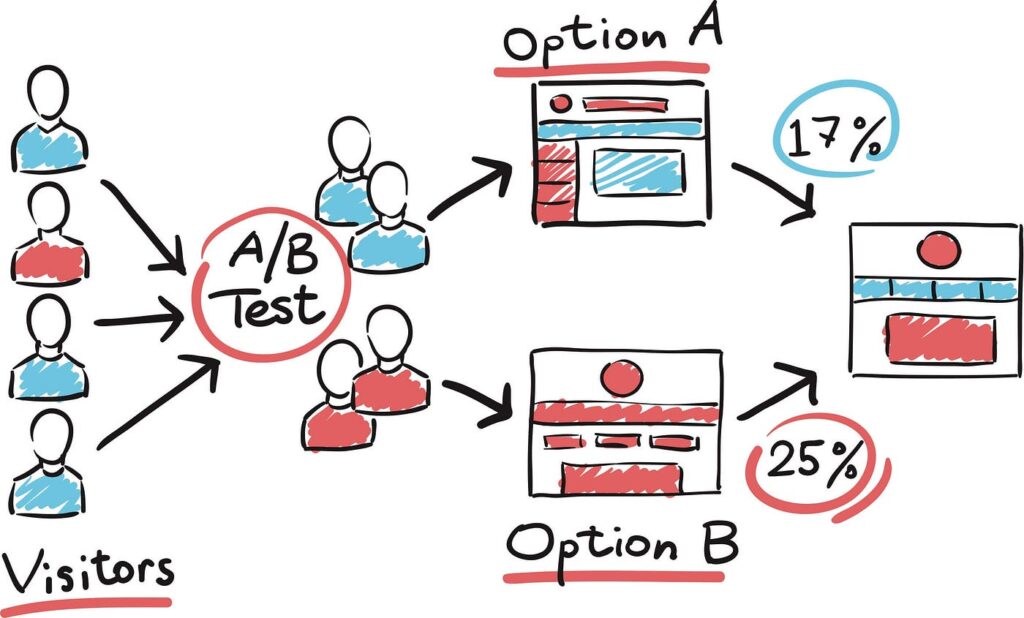
Every A/B test, whether a success or failure, is a learning opportunity. It’s vital to document your process and outcomes meticulously. Note what changes led to an improvement and which didn’t. This insight becomes invaluable over time as you compile a knowledge base on what resonates with your audience.
Tips for Maximizing Learning:
- Review all data: Look beyond the primary objectives and analyze secondary metrics as well. These can offer unexpected insights.
- Discuss with your team: Collaborative analysis often reveals observations one person might miss.
- Apply learnings: Integrate successful changes into other parts of your website and marketing materials.
Best Practices for A/B Test Website Design
To ensure your A/B testing efforts are as effective as they can be, here are some best practices to follow:
- Focus on your KPIs: Always have clear, measurable goals before starting a test.
- Test continuously: Digital preferences evolve, so continuous testing ensures you remain aligned with your audience’s needs.
- Don’t rush the process: Give your tests adequate time to collect meaningful data.
- Analyze the context: Understand why something worked, as the same element might not produce identical results in a different context.
Tools for Effective A/B Testing
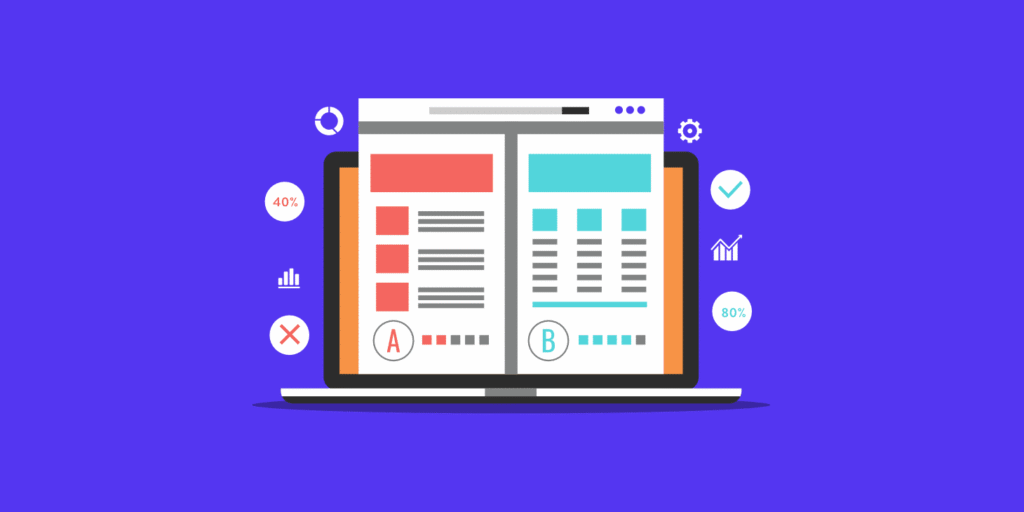
Selecting the right tools can simplify the implementation and analysis of your A/B tests, making it easier to glean insights and make informed decisions. Here’s a roundup of popular tools in the market:
- Optimizely: Known for its ease of use and robust analytics.
- Google Optimize: A free tool that integrates seamlessly with Google Analytics.
- VWO (Visual Website Optimizer): Offers a suite of testing and optimization tools.
Each tool offers different features and pricing levels, so consider what fits best with your specific needs and budget.
A/B Testing Examples
To give you an idea of how A/B testing works in practice, here are a couple of examples:
Example 1: CTA Button Color
An e-commerce site tests two colors for its checkout button: red and green. The green button resulted in a 5% increase in conversions, indicating that, for this audience, green was more inviting or noticeable.
Example 2: Form Length
A subscription service reduced its sign-up form from 10 fields to 5. The shorter form saw a 10% increase in completion rates, suggesting that users prefer a quicker, more straightforward sign-up process.
Next Steps After A/B Testing
After completing an A/B test and analyzing the results, the next steps are to:
- Implement the winning variation as the default experience for all users.
- Plan your next test based on learnings from the current one.
- Share insights with your team to inform broader marketing and website strategies.
Continuous testing and optimization should be ingrained in the DNA of your digital marketing strategy. This iterative process helps refine user experience, leading to better engagement, higher conversions, and ultimately, more success for your business.
In conclusion, A/B testing is a powerful tool in the digital marketer’s toolkit. By applying these practices and using data-driven insights, you can incrementally improve your website’s performance. Remember, every test brings you one step closer to understanding your audience better and achieving your business goals.

Hello, I am Sajid, I have been working & writing for the Gibson team for over 4-years now. I help with keyword research, meta data insertion, content creation, and getting the project to the finish line. I also manage, organize, and publish helpful articles.