

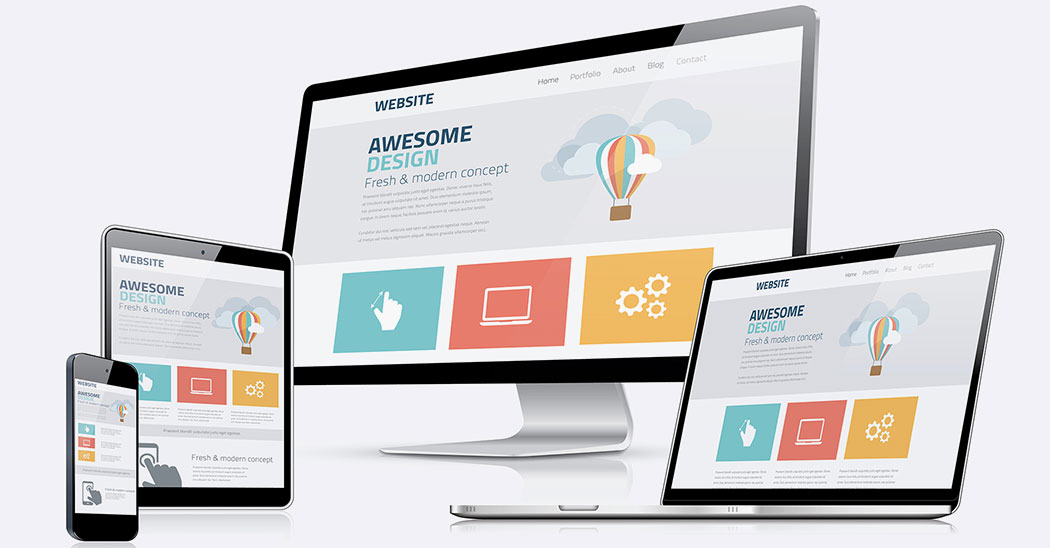
Improving your website copy design is pivotal for anyone looking to stand out in today’s crowded digital landscape. It’s not just about what your website says, but how it presents that information visually. A design upgrade can breathe new life into your content, making it more engaging and accessible to your audience. Let’s delve into why a fresh design for your website copy is essential for your online success.
Why Your Website Copy Design Matters
Before diving into the specifics, it’s crucial to understand the overall importance of website copy design. In a world where first impressions are often made online, the design of your website copy can make or break the user’s experience. It’s about capturing attention and conveying your message in a clear, compelling manner. A well-designed website copy does more than just look good; it enhances readability, engages users, and guides them through your website with ease.
Table of Contents
- The Interplay Between Copy and Design
- Impacts of Design on Readability and User Experience
- Enhancing Brand Identity Through Website Copy Design
- Best Practices for Website Copy Design Upgrade
- Leveraging Visual Elements in Website Copy
- The Role of Color and Typography in Copy Design
- Website Copy Design Trends to Watch
- Measuring the Success of Your Design Upgrade
- Case Studies: Successful Website Copy Design Upgrades
- Getting Started with Your Website Copy Design Upgrade
The Interplay Between Copy and Design
The relationship between your website’s copy and its design is closer than you might think. They work hand-in-hand to capture the user’s attention and deliver your message effectively. A visually attractive design can draw visitors in, but it’s the copy that provides them with value and encourages them to explore further. Conversely, the most compelling copy won’t be as effective if it’s presented in a way that’s hard to read or navigate.
Consider these key points:
- Copy directs design: The content of your website should guide the design decisions, not the other way around. The design should enhance the message your copy is trying to convey.
- Design amplifies copy: A great design makes your copy more readable and engaging. It uses visual cues to lead the reader through your content, emphasizing important points along the way.
It’s essential to strike the right balance between copy and design to create a seamless user experience that communicates your message clearly and effectively.
Impacts of Design on Readability and User Experience
Design plays a critical role in how easily users can read and interact with your website. A design upgrade can significantly impact usability and accessibility, enhancing the overall user experience. Let’s dive into how design affects readability and user engagement:
Improving Readability
- Typography: Choosing the right font type, size, and line spacing can greatly improve the readability of your website copy. Fonts should be web-friendly and easy to read on all devices.
- Contrast: Adequate contrast between the text and background is vital. Insufficient contrast can make text difficult to read, especially for users with visual impairments.
Enhancing User Experience
Design elements like spacing, color, and imagery play significant roles in creating a pleasant browsing experience. Proper use of whitespace can make your content more digestible, while well-chosen colors can evoke the right emotions and reactions. Additionally, incorporating relevant imagery can break up text and illustrate points more vividly.
Remember, the goal is to guide your audience through your website smoothly, making information easy to find and understand.
Enhancing Brand Identity Through Website Copy Design
A well-executed website copy design upgrade is a golden opportunity to reinforce your brand identity. Every aspect of your website’s design—from the colors and fonts to the images and layout—should reflect your brand’s personality and values. This consistency helps in building brand recognition and trust with your audience.
Here are a few ways design upgrade can enhance your brand identity:
- Consistent use of color: Color can convey a wide range of messages and emotions. By using your brand’s color palette consistently across your website, you reinforce your brand’s identity.
- Tailored imagery: Custom images or graphics that align with your brand’s aesthetic can make your website feel more personalized and unique.
- Typography that tells a story: The fonts you choose can say a lot about your brand. Whether you’re aiming for a professional look with serif fonts or a more modern feel with sans-serif fonts, make sure it aligns with your brand’s character.
By thoughtfully integrating your brand identity into the website copy design, you turn your website into a powerful ambassador for your brand.
Best Practices for Website Copy Design Upgrade
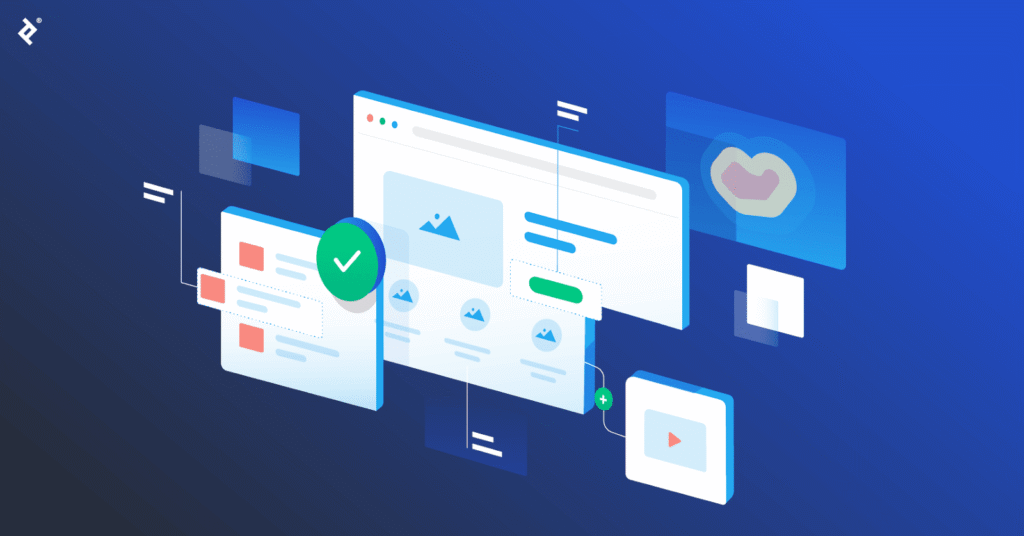
Embarking on a website copy design upgrade can be daunting. However, by following a set of best practices, you can ensure a more successful redesign process. Here are some must-follow tips:
- Start with Content: Before diving into design, make sure your copy is concise, compelling, and tailored to your audience. Content should always drive the design.
- Adopt a Mobile-first Approach: With an increasing number of users accessing websites via mobile devices, your design must be optimized for mobile from the start.
- Focus on Usability: Your website should be intuitive and easy to navigate. Users should find what they are looking for with minimal effort.
- Test and Iterate: Use A/B testing to compare different design elements and see what works best for your audience. Be prepared to make changes based on feedback and test results.
It’s also beneficial to keep an eye on current design trends, but remember, the focus should be on enhancing user experience and aligning with your brand identity rather than just following the latest fads.
Leveraging Visual Elements in Website Copy
Visual elements play a crucial role in making your website copy more engaging and memorable. Using images, videos, infographics, and icons can help illustrate your points and break up large blocks of text, making your content more accessible and appealing to users.
Key tips for leveraging visual elements:
- Choose visuals that complement the content – Make sure each visual element has a purpose and enhances the message of your website copy.
- Optimize for speed – High-quality visuals are important, but they should not slow down your website. Optimize images and videos for quick loading times.
Thoughtfully integrating visuals can significantly boost the user’s engagement with your content, making them more likely to stay on your site longer and take action.
The Role of Color and Typography in Copy Design
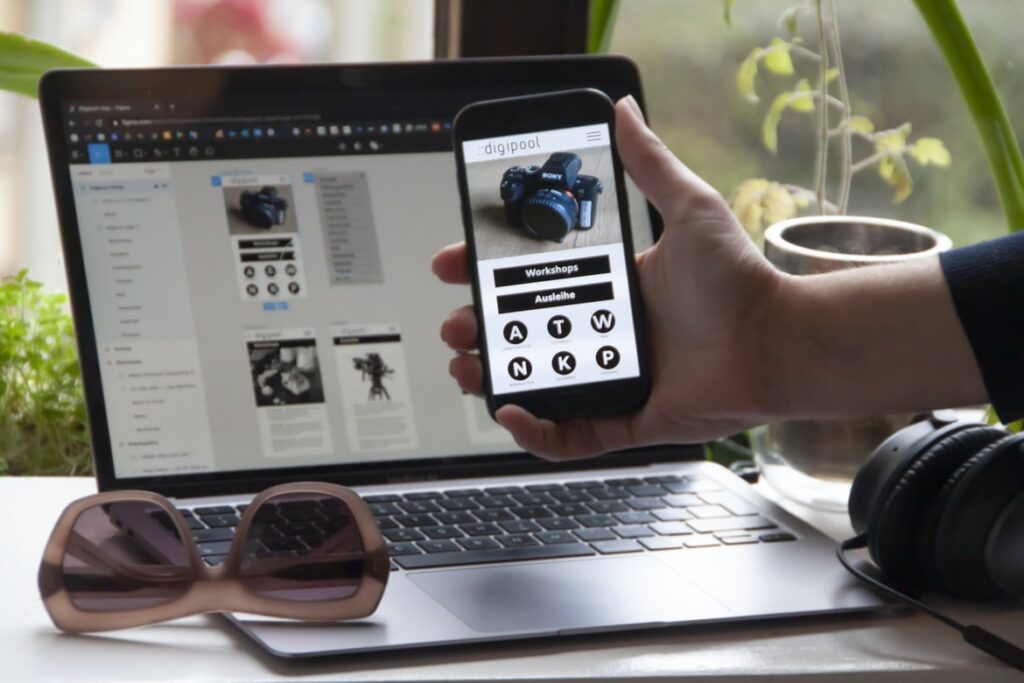
Color and typography are powerful tools in your design arsenal. They can evoke emotions, convey messages, and significantly affect the readability and accessibility of your content.
Consider these guidelines:
- Color: Use color to highlight important information or to guide the user’s attention. However, maintain a balance to avoid overwhelming users with too many colors.
- Typography: Choose fonts that reflect your brand’s personality and are easy to read across devices. Limit the number of different fonts to maintain consistency and readability.
By carefully selecting colors and typefaces that align with your brand and enhance the user experience, you can make your website more impactful and memorable.
Website Copy Design Trends to Watch
Keeping up with design trends can provide fresh inspiration and help your website stand out. Here are a few trends in website copy design to consider:
- Minimalism: Simple designs with plenty of white space are becoming increasingly popular. They focus on content and functionality, reducing distractions and improving user experience.
- Bold Typography: Large, bold fonts can make a statement and draw attention to your key messages.
- Dynamic Scrolling: Parallax and horizontal scrolling effects can add a layer of immersion, making the browsing experience more interactive and engaging.
While trends can be informing and inspiring, it’s crucial to evaluate whether they fit with your brand and meet your users’ needs before implementing them.
Measuring the Success of Your Design Upgrade

After upgrading your website copy design, it’s important to measure its success. Metrics such as user engagement, conversion rates, and bounce rates can provide insights into how well the new design is performing.
Tools like Google Analytics and heat mapping software can help track these metrics, allowing you to see where users are engaging most and where there may be issues to address.
Feedback from users can also be invaluable. Consider conducting surveys or A/B tests to gather direct input on the new design.
Case Studies: Successful Website Copy Design Upgrades
Exploring successful redesigns can provide practical insights and motivation. For example, a well-known e-commerce site revamped its product pages to simplify the layout, use larger product images, and incorporate clearer call-to-action buttons, resulting in a noticeable increase in sales and user session time.
Another case involved a tech company that introduced dynamic content blocks and interactive elements to its website. This move improved user engagement metrics and significantly increased lead generation through the site.
Getting Started with Your Website Copy Design Upgrade
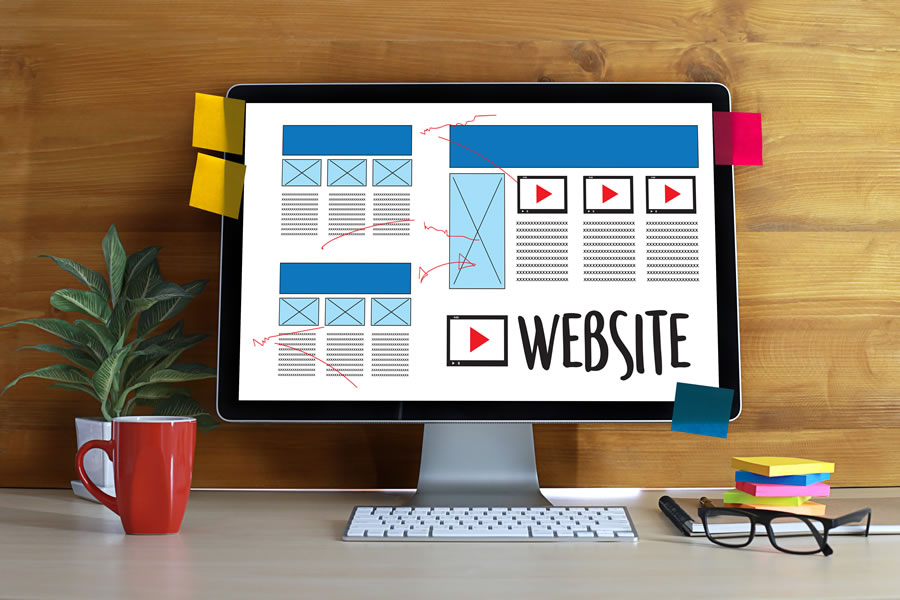
Ready to give your website copy design an upgrade? Begin by reviewing your current design and identifying areas for improvement. Consider how changes could enhance the user experience and align with your brand identity.
Here are first steps to take:
- Assess your current website copy and design.
- Define your goals and target audience.
- Gather inspiration and decide on the new design direction.
- Work with a professional designer or utilize design tools if you’re handling the upgrade internally.
- Implement changes incrementally and measure impact.
With careful planning and execution, your website copy design upgrade can significantly improve your online presence, making your site more engaging, accessible, and effective at meeting your business goals.

Hello, I am Sajid, I have been working & writing for the Gibson team for over 4-years now. I help with keyword research, meta data insertion, content creation, and getting the project to the finish line. I also manage, organize, and publish helpful articles.